tawk.to Mobile Customer Service Platform: Switching Sites, Filtering Tickets, and Internal Communication
Android and iOS mobile apps allow users to view conversations, tickets, and team messages across multiple sites. When on duty, first confirm the current site and filter criteria, then decide which customer to process first.
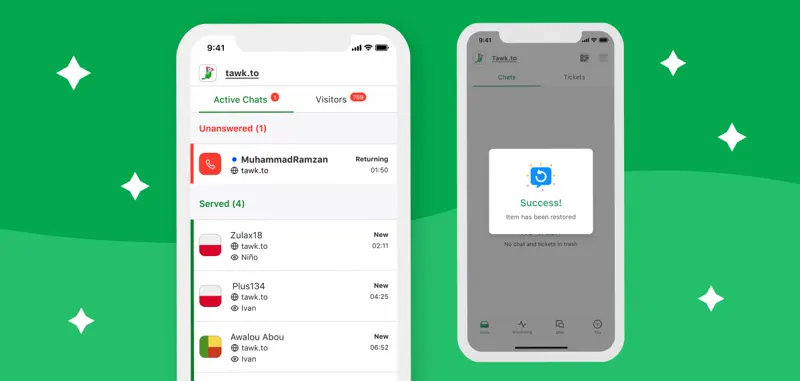
On the mobile app, select the currently managed site asset and add other stores as needed. Check whether the message you are viewing in your inbox is a chat or a ticket. When a company manages multiple language sites, send a test message from each site to avoid mistakenly assuming that simply switching interfaces has covered all sites.
Narrow down the to-do list by status, priority, designated personnel, or department. During busy periods, confirm who has taken over the task before replying to the buyer; use internal messaging when you need to ask colleagues for help, and avoid sending team communications to external chat windows. Pin frequently contacted individuals for quick collaboration.
Before handing over the shift, clear the temporary filters and review any unassigned tasks. Check unread and open cases on both your phone and desktop to ensure that staff managing multiple brands don't miss inquiries from other stores due to the previous filter.