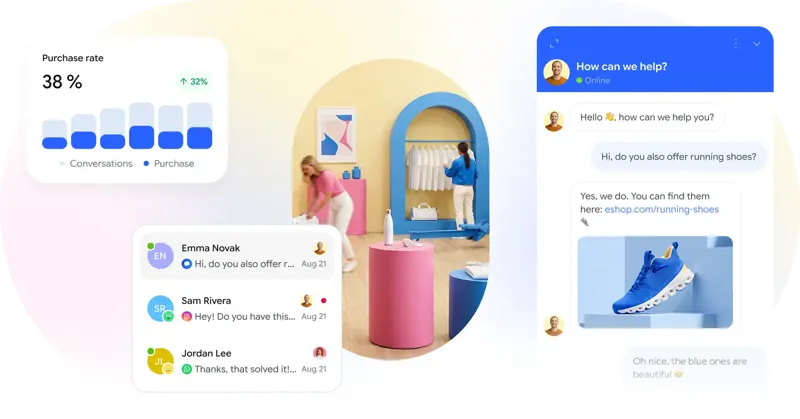
Smartsupp agent online status: What should be checked after logging in during shift change?
Smartsupp's workbench allows you to view and switch between agent online and offline status. When logging in again, verify that the status matches your current shift.
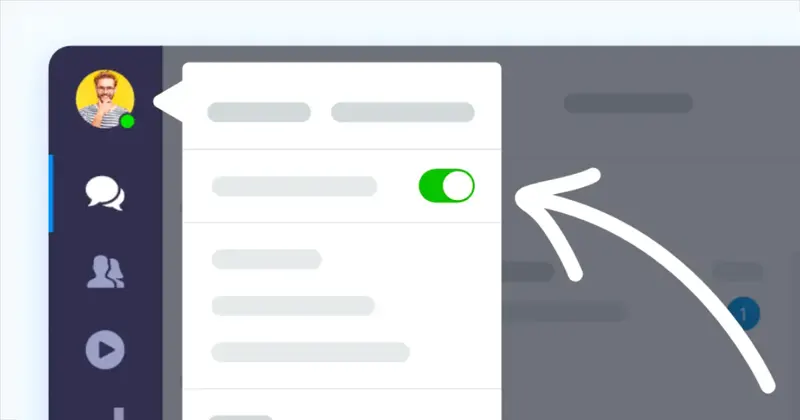
At the start of the shift, a new session is sent from the visitor's end to check if the current agent can receive it. After the agent is switched offline, another session is sent to observe whether the message is picked up by the next online member or enters the offline process.
Record this verification as a shift check item. Verification should also be performed after re-login to shared devices and browsers to avoid situations where the system shows the user is online but no one is available, or where someone is actually present but hasn't received a new session.