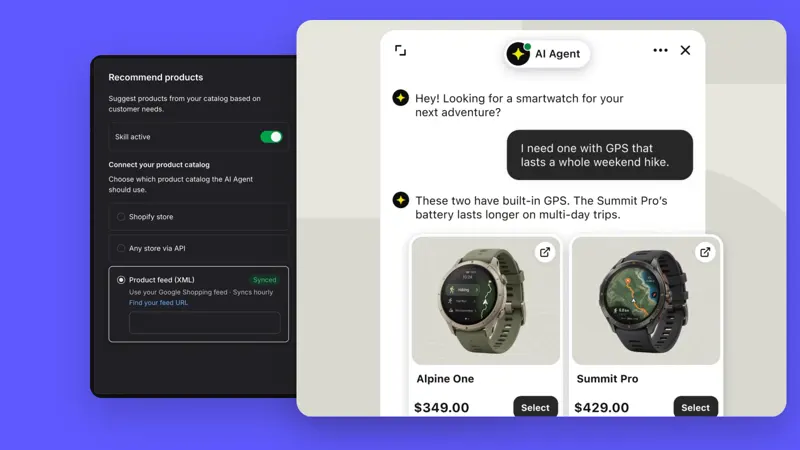
Custom fields for work orders (Text): Use order number, region, and priority for assignment.
Placing order numbers in the remarks section makes them easy to miss, and using only labels for regions can easily result in multiple spellings. Text's custom fields for work orders allow you to assign names and types to these data, making them available for workflows and AI skills to read or update.
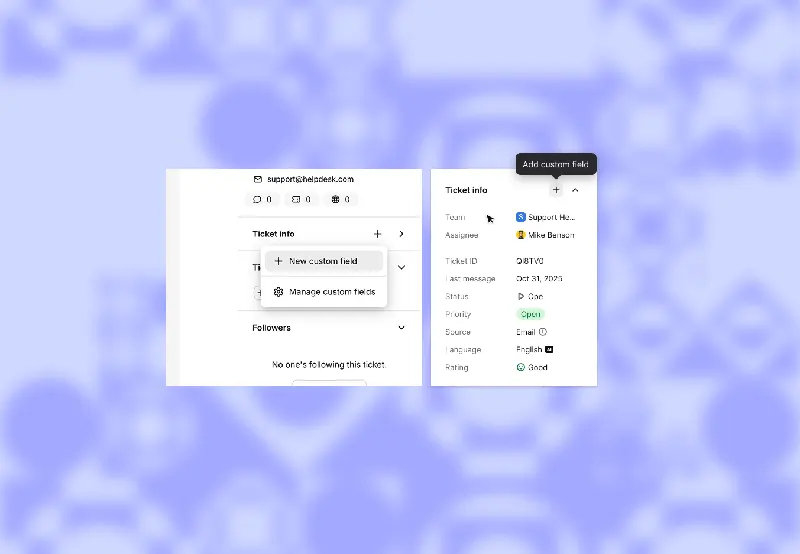
First, list the three pieces of information that will truly determine the next step. For example, use a text-entry field for the order number, and fixed options for region and priority. Have all customer service representatives use the same naming convention; leave unconfirmed order numbers blank to avoid entering a seemingly valid guess.
Select a damaged after-sales service order, extract the order, region, and priority from the chat context, and then have the next agent verify it. Check whether automated writing will overwrite manual corrections, and whether it mistakenly identifies the buyer's delivery address as the responsible team's service area.
Once field values are consistent, assignment criteria can be established based on region and priority, and cases can be summarized by field. Free-form comments are still suitable for recording special cases. After going live, randomly check for null and outlier values, first checking the input process, then explaining any discrepancies in the reports.