Text Conversation Summary and History: Retrieve context by title and unify summary language
Shorter summary titles can appear in archive lists and recent customer conversations. Teams can quickly find potentially relevant records and then reopen the original conversation to verify details.
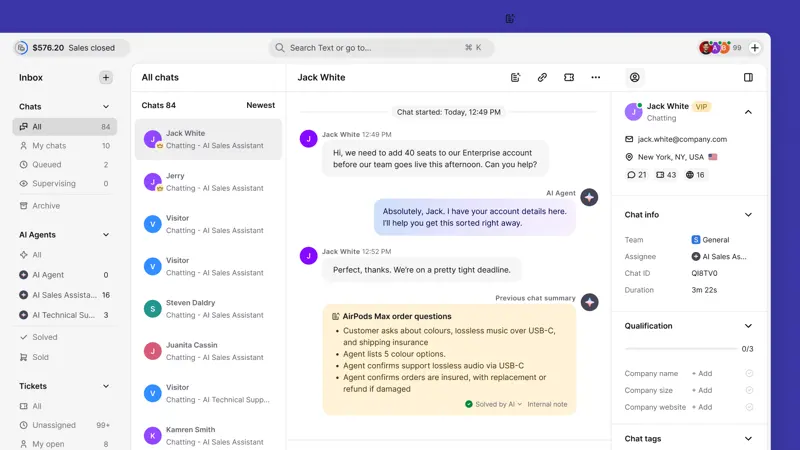
When customer service receives repeat visitors, they should first scan the history by two or three keywords in the title, and then preview the summary. If a price, size, or delivery date has already been committed, the original conversation should be opened for verification: the brief title is for locating the relevant information, and the commitment should still be based on the complete record.
In the AI summary settings for the inbox, you can choose to automatically recognize the customer service language or specify a fixed language. Multi-regional shift teams can run through each commonly used language; if a unified language is required during handover, the fixed summary should be distinguished from the language of the actual reply received by the customer.
Chat and ticket summaries use a unified generation method; update notes also differentiate between available packages. Before going live, confirm the entry point using your own package, and compare whether both manual and automatic summaries include the title and whether sufficient information is retained for the next shift to take action.