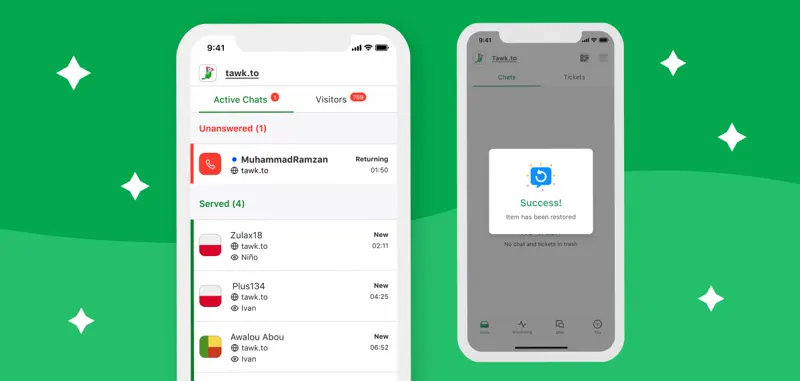
Widget Scheduler and New Knowledge Base
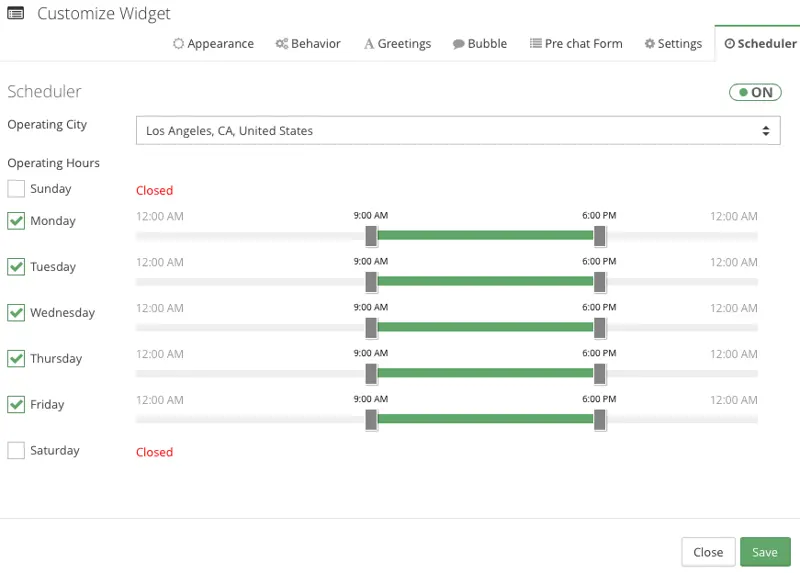
Website administrators can now schedule the online or offline display time of widgets on their websites.
When customer service staff log in during your designated business hours, they will see the visitor in the control panel and receive a chat notification.
Click "Manage" in the widget list.
Modify the business hours, then click save.
Verify the system using both the visitor's local time and the on-duty team's time, covering the start and end of business hours and the transition between days. Include guaranteed response times in the automatic greeting to avoid ignoring time differences.