LiveChat · Ucraft: Add online chat functionality to your website
Enable your customers to communicate with you while browsing the Ucraft website. LiveChat is a simple and easy-to-use application that serves as an alternative to email and phone support.

With LiveChat integration, you can easily add an online chat window to your website and communicate with customers instantly.
Go to your Ucraft account, select the website you want to edit, and then navigate to the Control Panel.
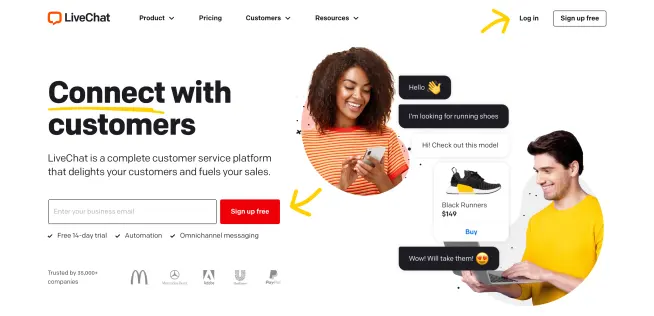
Now, you need to open the LiveChat customer service application and go to Settings → Channels → Chat widgets.
If you wish to disable the online chat feature on the website, please click "Disconnect".
Upon completion of installation, the acceptance log should include the test page, test equipment, message sending time, and agent receiving time. If simply seeing the chat icon is insufficient to confirm message delivery, a two-way reply should be completed.