Product updates
Running Smartsupp using MCP
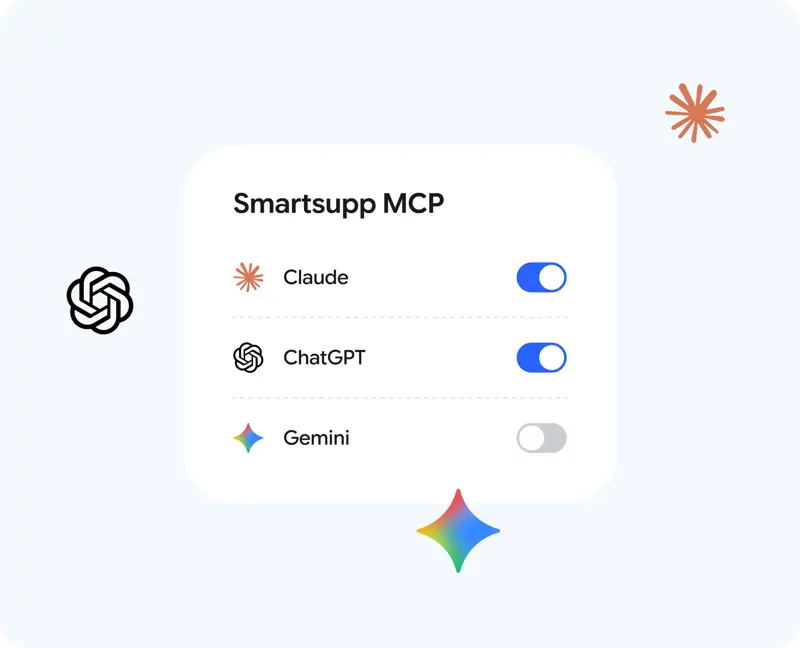
Connect the AI you already use to your Smartsupp account and run it simply by issuing a command.
69 results
Connect the AI you already use to your Smartsupp account and run it simply by issuing a command.
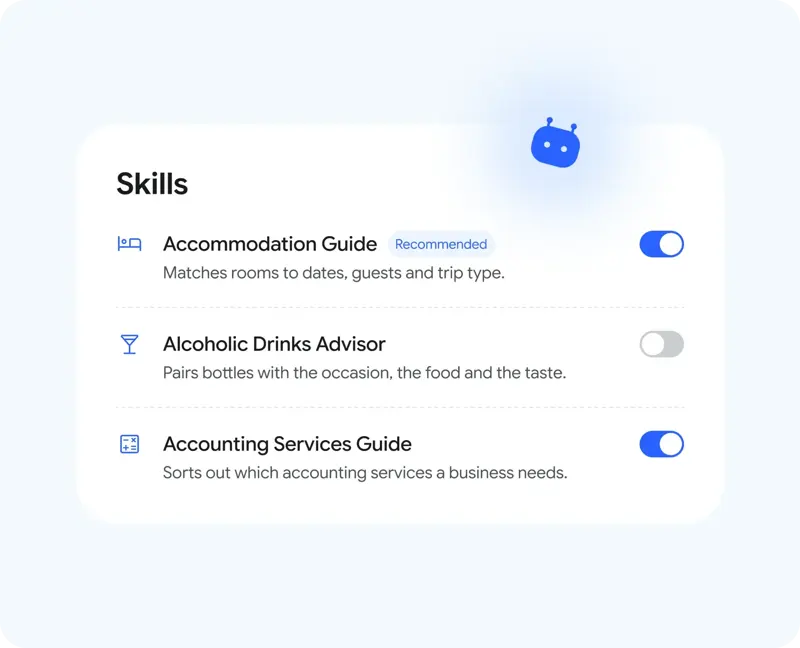
Smartsupp offers preset skills in its AI customer service. Once enabled, these skills provide the chatbot with information to ask in the industry and how to guide customers.

Tired of switching between multiple platforms? Now you don't have to wait any longer—WhatsApp has officially joined the fray.

Smartsupp's workbench allows you to view and switch between agent online and offline status. When logging in again, verify that the status matches your current shift.

See which channel (AI customer service, human customer service, or chat form) has the highest conversion rate. The "New Lead Conversion Report" will provide you with a detailed analysis.
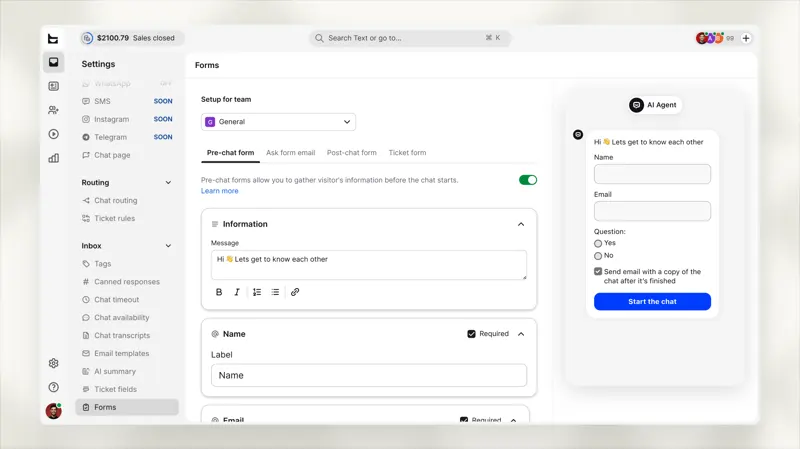
Both forms now share a single editor. For new accounts, the system will conduct a pre-chat so that your AI agent can ask for the necessary information during the conversation.
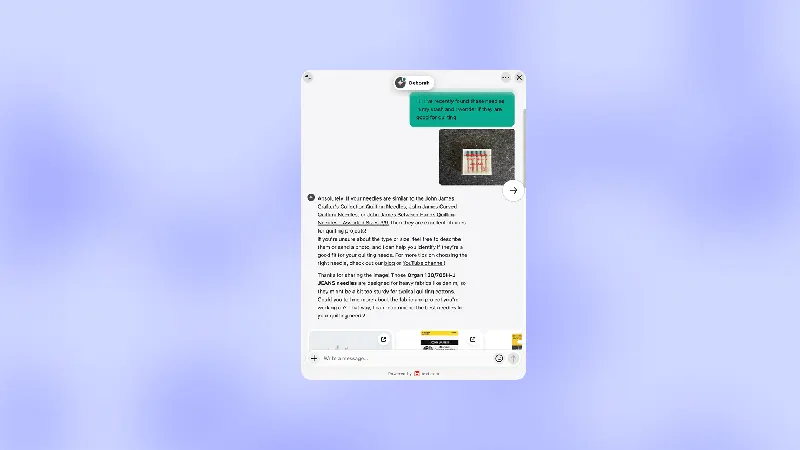
Buyers sometimes send only a photo or screenshot. Text's product update notes that AI customer service can read images during chat and allow custom skills to take different follow-up steps based on the image.
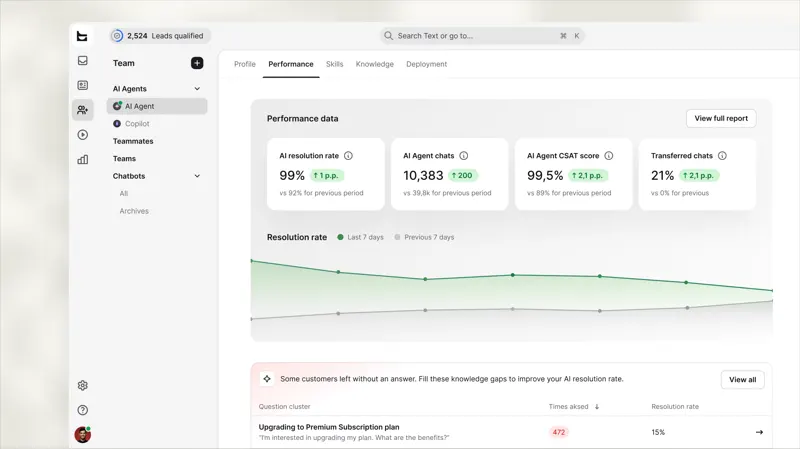
The "Performance" tab displays key metrics for your AI agent, along with its knowledge gaps, sorted by frequency of customer inquiries. Opening a gap reveals the chat history behind it.
Now, Instagram DMs and Story replies are sent directly to your Text inbox, where your AI assistant and team members will respond just like any other chat message. No Facebook page required.
The "Automation" section on Text has now been renamed "Scripts." This is the first step in merging workflows and custom skills into a single concept—"Skills"—which one person creates only once and the entire team, including human and AI agents, can run.
Previously, only administrators could access the "Marketing Campaigns" page. Now, brokers can open this page to view all marketing campaigns and create and run them within their own groups. Brokers can also launch marketing campaigns associated with sales opportunities in their accounts.
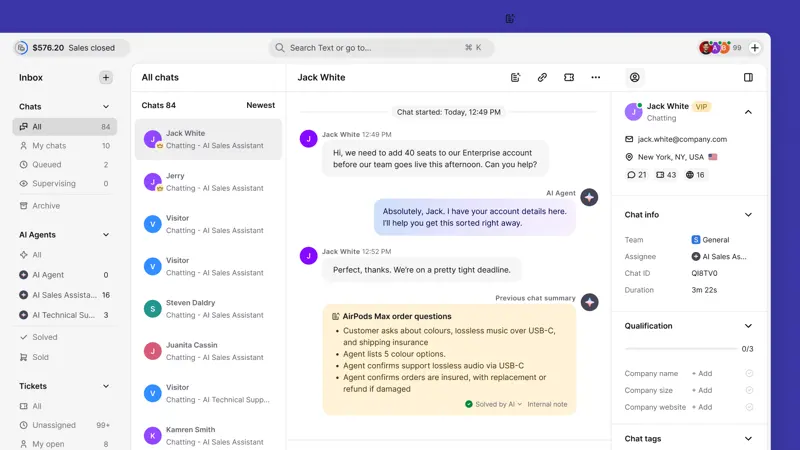
Shorter summary titles can appear in archive lists and recent customer conversations. Teams can quickly find potentially relevant records and then reopen the original conversation to verify details.
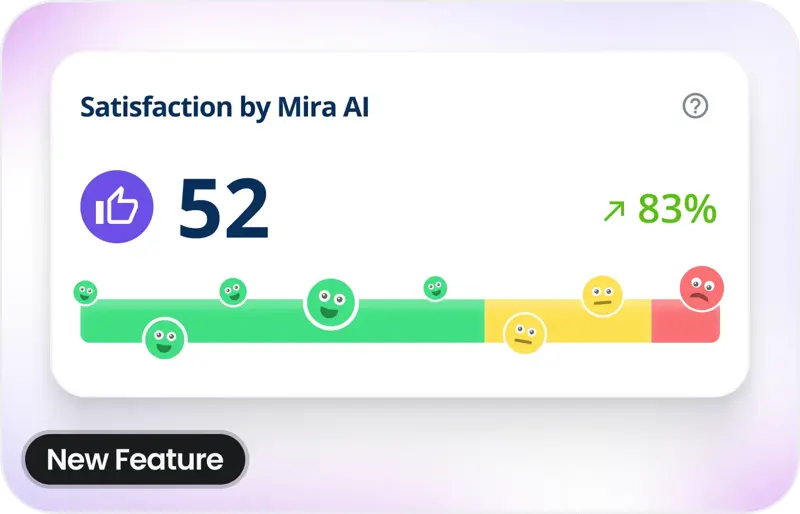
Exciting update! Your customers can now share their feedback on their conversations with Mira AI.
Schedule chat times for one or fifty team members, each using their own local clock, so that waiting customers can contact the staff on duty.

What does this mean? She doesn't ask customers for information she can find herself, so the conversation proceeds much faster.
Text's sales reports allow users to switch group categories and view metrics such as total order value, number of orders, and time required to place an order.
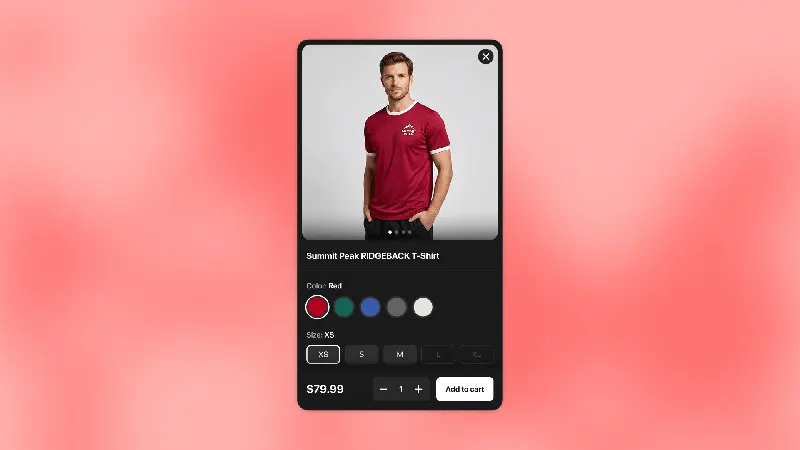
Shopify stores that enable AI-powered product recommendations can allow customers to choose variations within a recommendation card and then add the corresponding style to their cart. This applies to stores that offer the same product in multiple sizes or colors.
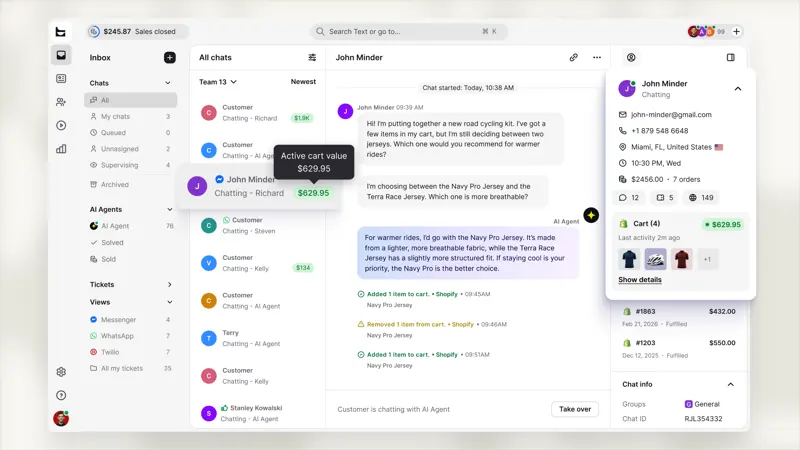
Shopping cart amount, now displayed next to any conversation in your inbox, is shown with an "Active Cart" badge. This feature is now available on all accounts.
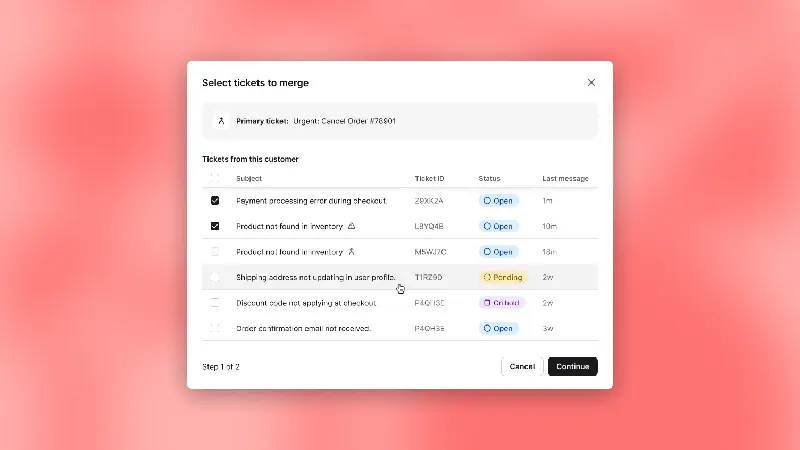
When the same buyer inquires about the same issue from multiple email threads, the records can be merged into a single master ticket in the Text field. Before proceeding, verify the buyer's identity and field information, as the merge cannot be reversed.

Previously, Mira AI could only automatically update data in the product information stream. Now, it also periodically checks the information on selected pages on your website.
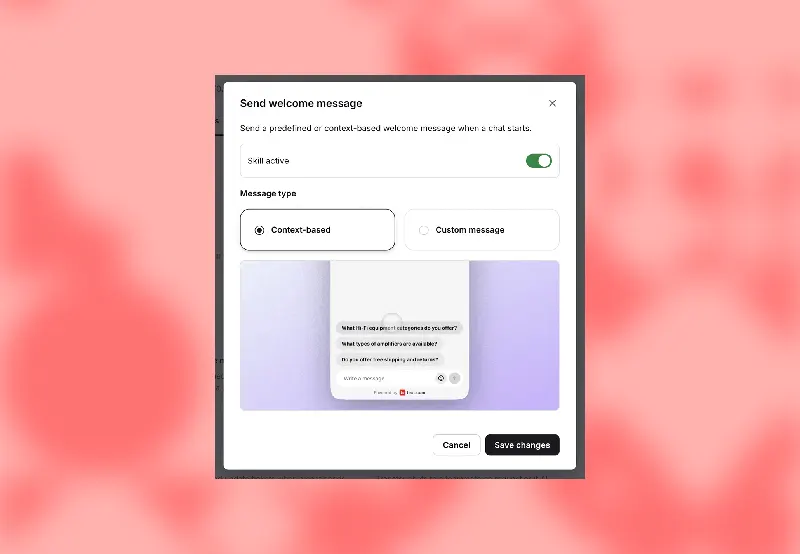
When a visitor opens the window, the text can display one to three clickable questions based on the current page and the knowledge source of the corresponding AI customer service. This is suitable for reducing situations where buyers don't know how to ask their first question.