LiveChat · Add online chat functionality to your Renderforest website
Add a top-tier online chat plugin to your Renderforest website. Utilize advanced tools integrated into a single application to engage with visitors, provide support, sell products, and drive conversions.
Online chat functionality makes it easier for your visitors or customers to contact you through your website, and also allows you to connect more directly with your audience!
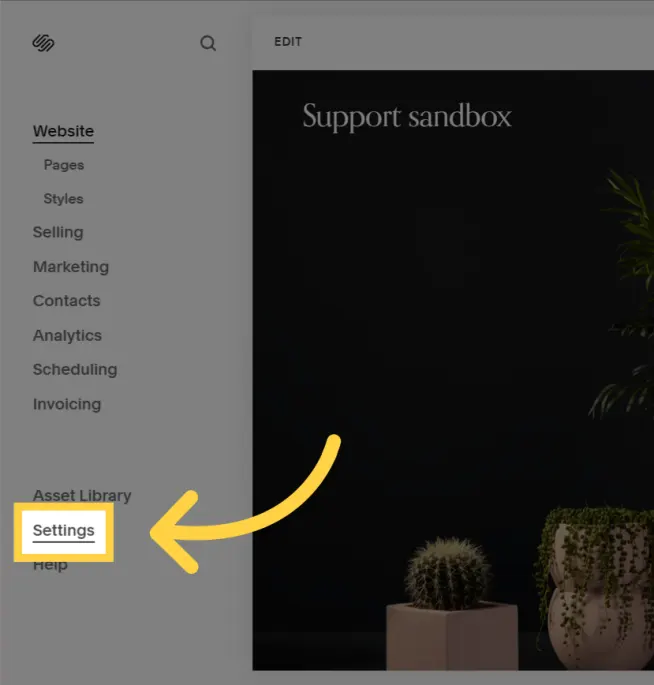
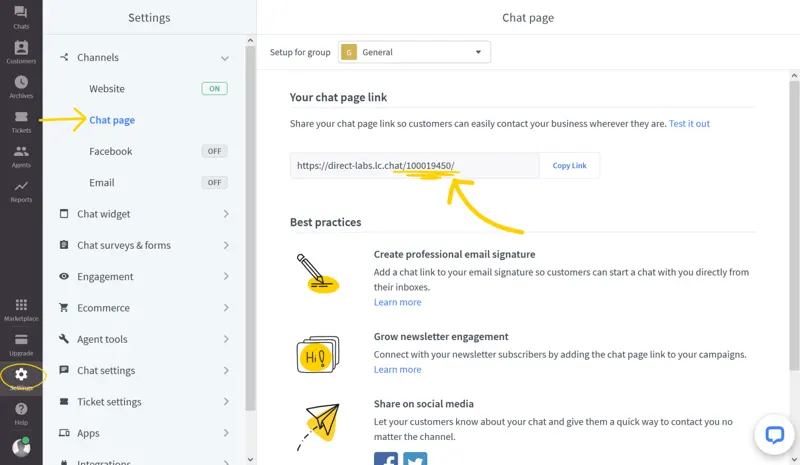
After logging in, go to Settings > Channels > Chat, and then copy your LiveChat ID from the Chat page link.
If the chat widget does not appear on your website, please return to LiveChat and ensure that your website address has been added to the list of trusted domains.
Upon completion of installation, the acceptance log should include the test page, test equipment, message sending time, and agent receiving time. If simply seeing the chat icon is insufficient to confirm message delivery, a two-way reply should be completed.