LiveChat · Commerce V3: Add online chat functionality to your store
Add a top-tier online chat plugin to your Commerce V3 store. Utilize advanced tools integrated into a single application to engage with visitors, provide support, sell products, and improve conversion rates.
The combination of CommerceV3 and LiveChat allows customers to ask questions about the products they want to buy, and you can answer these questions in real time, thus simplifying the buying and selling process.
By simply offering online chat functionality in your CV3 store, you gain a competitive edge over companies that don't—by managing your product more effectively and building strong customer relationships.
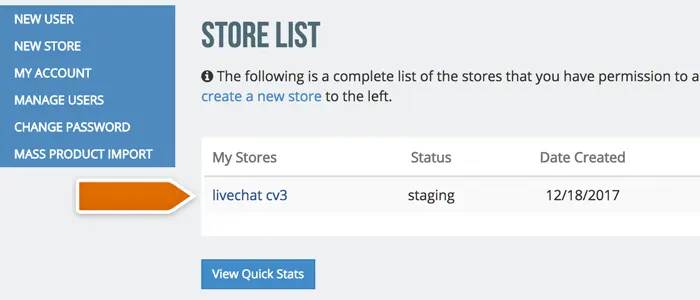
After logging in, click on the store name to enter the management backend.
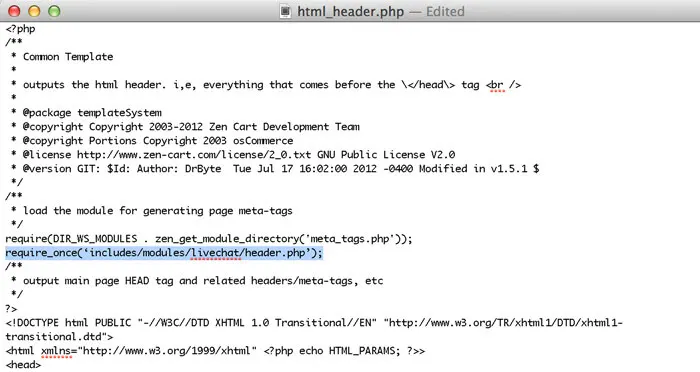
Finally, paste your license ID into the livechat_id template and click the "Submit" button.
Upon completion of installation, the acceptance log should include the test page, test equipment, message sending time, and agent receiving time. If simply seeing the chat icon is insufficient to confirm message delivery, a two-way reply should be completed.