LiveChat · CoreCommerce: Add chat functionality to your store
CoreCommerce: Add chat functionality to your store and wow your customers with exceptional customer service. Close more deals in just a few simple steps!
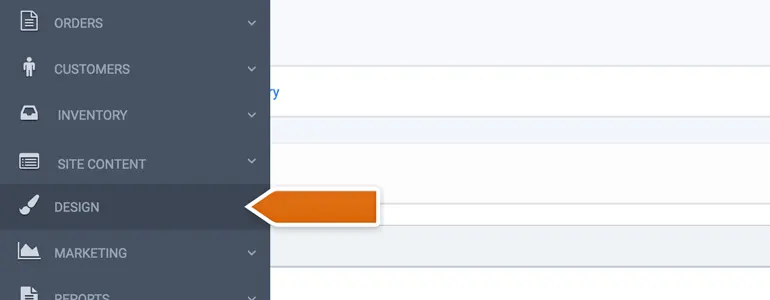
First, log in to your CoreCommerce store management panel.
In the next section, select footer.html as the file you want to edit.
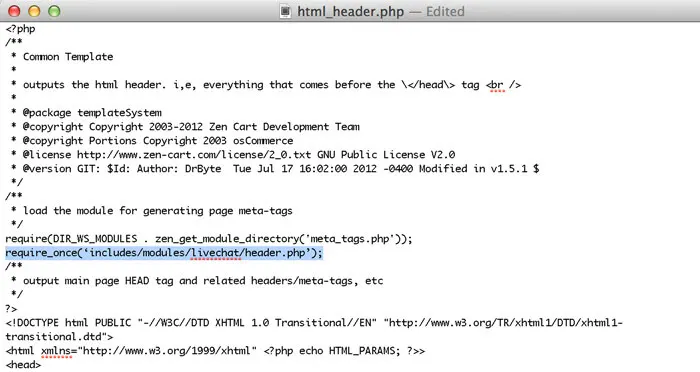
Now, please paste your LiveChat code before the closing character.
Upon completion of installation, the acceptance log should include the test page, test equipment, message sending time, and agent receiving time. If simply seeing the chat icon is insufficient to confirm message delivery, a two-way reply should be completed.