CS-Cart Multi-Store Customer Service Integration Guide: Installation, Account Binding, and Shopping Cart Synchronization
CS-Cart can connect to LiveChat via official add-ons. When managing multiple stores from a single backend, you should check each store individually to see if its window appears and if messages are entering the corresponding workspace.
First, verify the CS-Cart version and component compatibility. The official installation page provides downloads for multiple historical versions; do not assume compatibility solely based on similar filenames. Install it first in a test store with the same version as the production environment.
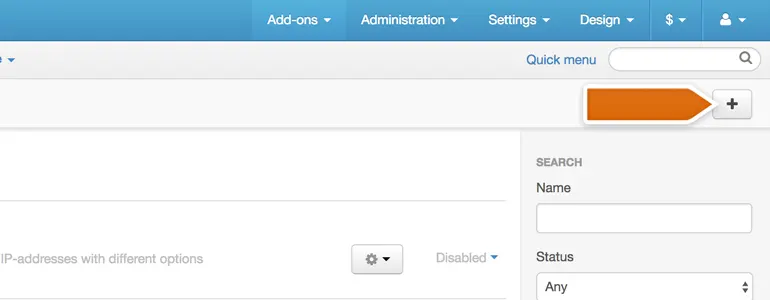
Go to the backend add-on management, select local installation, and upload the matching component package. After installation, locate the LiveChat configuration and complete the association using your customer service workspace account. Open the product page as a regular visitor in different stores to avoid only performing acceptance checks in the main store.
The component's options include shopping cart update frequency, mobile hiding, and window sound. A test buyer modifies the product quantity, and the time it takes for customer service to see the change is recorded; simultaneously, it's confirmed that the chat entry is not hidden on mobile due to historical settings. The mapping between the store, workspace, and test results is saved for easy shift handover.