LiveChat · DotNetNuke Chat: Add online chat functionality to your DNN website!
DotNetNuke Chat Module: Add online chat functionality to your website in just a few simple steps and provide your customers with superior 24/7 support!
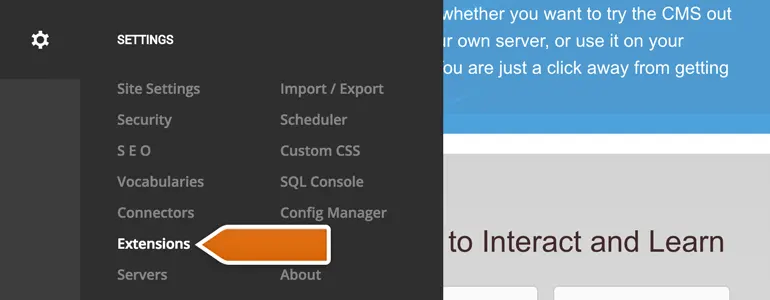
DotNetNuke Chat Module: DotNetNuke provides the world's largest CMS platform for .NET developers.
This tutorial will teach you how to install the LiveChat plugin in DNN and how to connect LiveChat to your online store.
To configure the LiveChat plugin, click the "Edit Page" button in the lower left corner of the DNN management panel.
Upon completion of installation, the acceptance log should include the test page, test equipment, message sending time, and agent receiving time. If simply seeing the chat icon is insufficient to confirm message delivery, a two-way reply should be completed.