LiveChat · Get the correct postal code
When setting up your LiveChat license, you may encounter a postal code error. Please see this article for instructions on how to resolve this issue, or contact us for assistance.
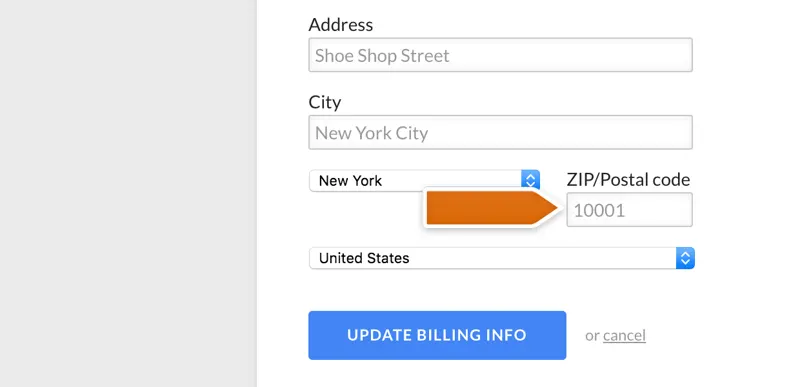
When setting up a subscription on LiveChat, one of the fields you need to fill in is the postal code field.
This error occurs when the postal code you provide does not match the postal code assigned to your credit card.
The best way to get the correct postal code is to contact the bank that issued your card.
Learn how to set up invoices for your company in your LiveChat license.
Upon completion of installation, the acceptance log should include the test page, test equipment, message sending time, and agent receiving time. If simply seeing the chat icon is insufficient to confirm message delivery, a two-way reply should be completed.