LiveChat · MotoCMS: Add online chat functionality to your website
Add online chat functionality to your MotoCMS website. Communicate directly with website visitors, instantly resolve issues, or encourage them to purchase your products.
Resolve customer support issues on the spot or encourage customers to purchase your products.
Select online chat from the list of available chat services.
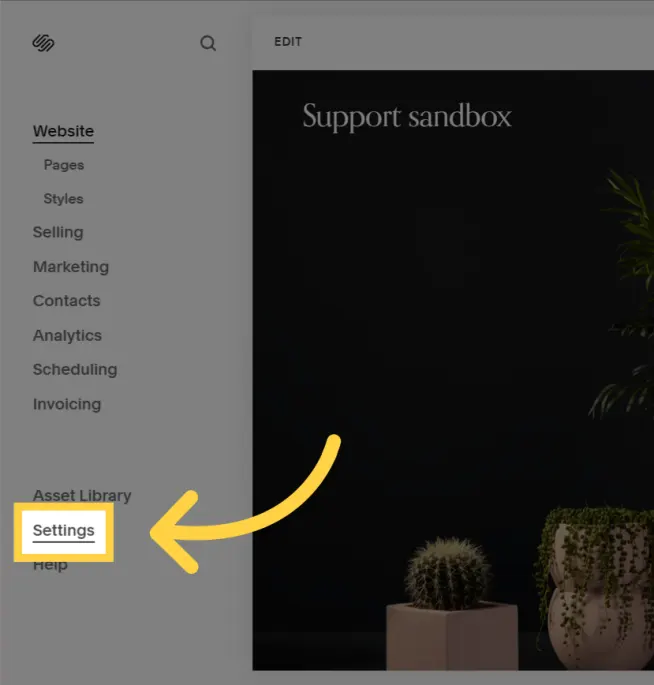
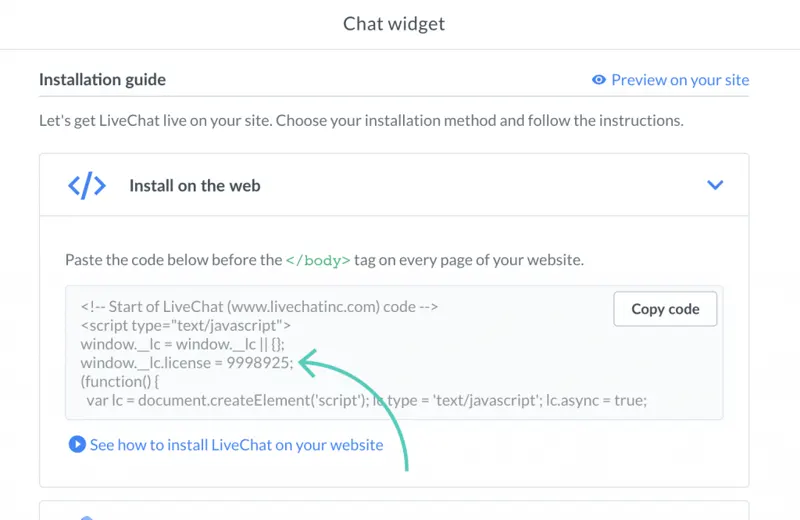
To obtain your license number, please log in to your LiveChat account and navigate to Settings → Channels → Website.
You should be able to see the chat widget on the website.
Upon completion of installation, the acceptance log should include the test page, test equipment, message sending time, and agent receiving time. If simply seeing the chat icon is insufficient to confirm message delivery, a two-way reply should be completed.