LiveChat · Volusion: Volusion Online Chat
Volusion's online chat feature opens up another way to communicate with customers and can answer any questions they may have immediately.
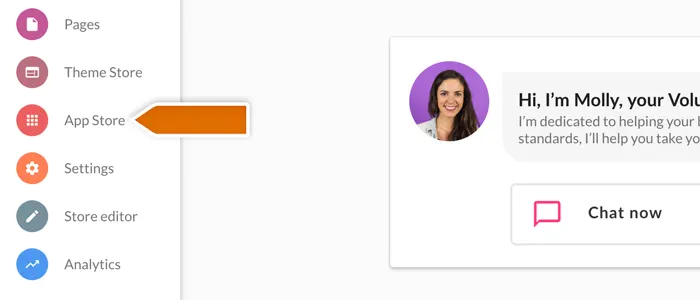
Follow these steps to enable online chat functionality on your Volusion website with just a few clicks.
There, select "Online Chat" from the list of available applications.
On the next screen, tap “Confirm Installation” to complete app activation.
Upon completion of installation, the acceptance log should include the test page, test equipment, message sending time, and agent receiving time. If simply seeing the chat icon is insufficient to confirm message delivery, a two-way reply should be completed.