Zendesk Guide knowledge base integrated with LiveChat: providing human support alongside help articles.
For teams that have already deployed Zendesk Guide, a chat window can be loaded in the Help Center topic to accommodate visitors who still need assistance after reading the documentation.
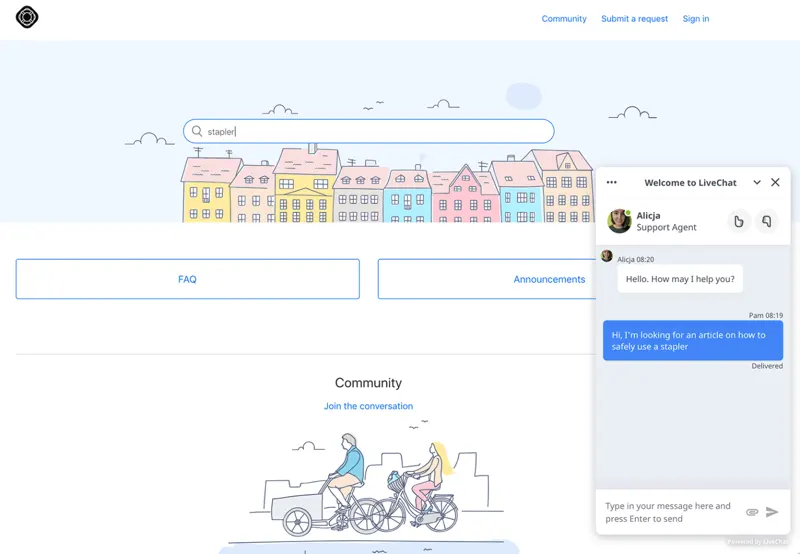
Knowledge bases are suitable for answering questions with clearly defined rules. Some visitors, even after reading the return and exchange guidelines, may still need to confirm the processing method for a specific order. In this case, a LiveChat entry can be provided in the Help Center, allowing customers to initiate a conversation on the same page as reading the article. Before implementation, verify the Guide theme you are using and save a copy of the original theme script for easy rollback.
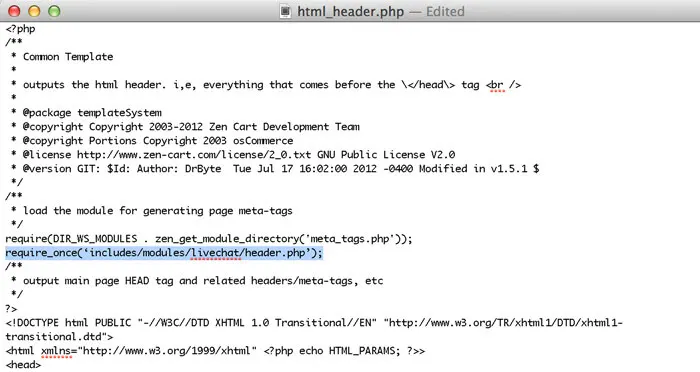
Switch from Zendesk to Guide and go to Themes in Guide admin. Locate the target theme, select View theme, and then open Edit code. Select script.js from the file list. Obtain the installation code in LiveChat's Settings, Channels, and Chat widget. This location receives JavaScript; retain the initialization and loading scripts, remove the outer tags used by the HTML page, and append it after the existing script.
After publishing the topic, refresh a help article and check if the window is displayed in the lower right corner of the page. Then, initiate a chat from that article and have the agent confirm that they received the message. It is recommended to double-check the article details page and the help center homepage, and keep the topic name and the location where it was modified, so that you can verify whether the chat entry is still there when switching topics in the future.